
Introducing Macroscope CLI
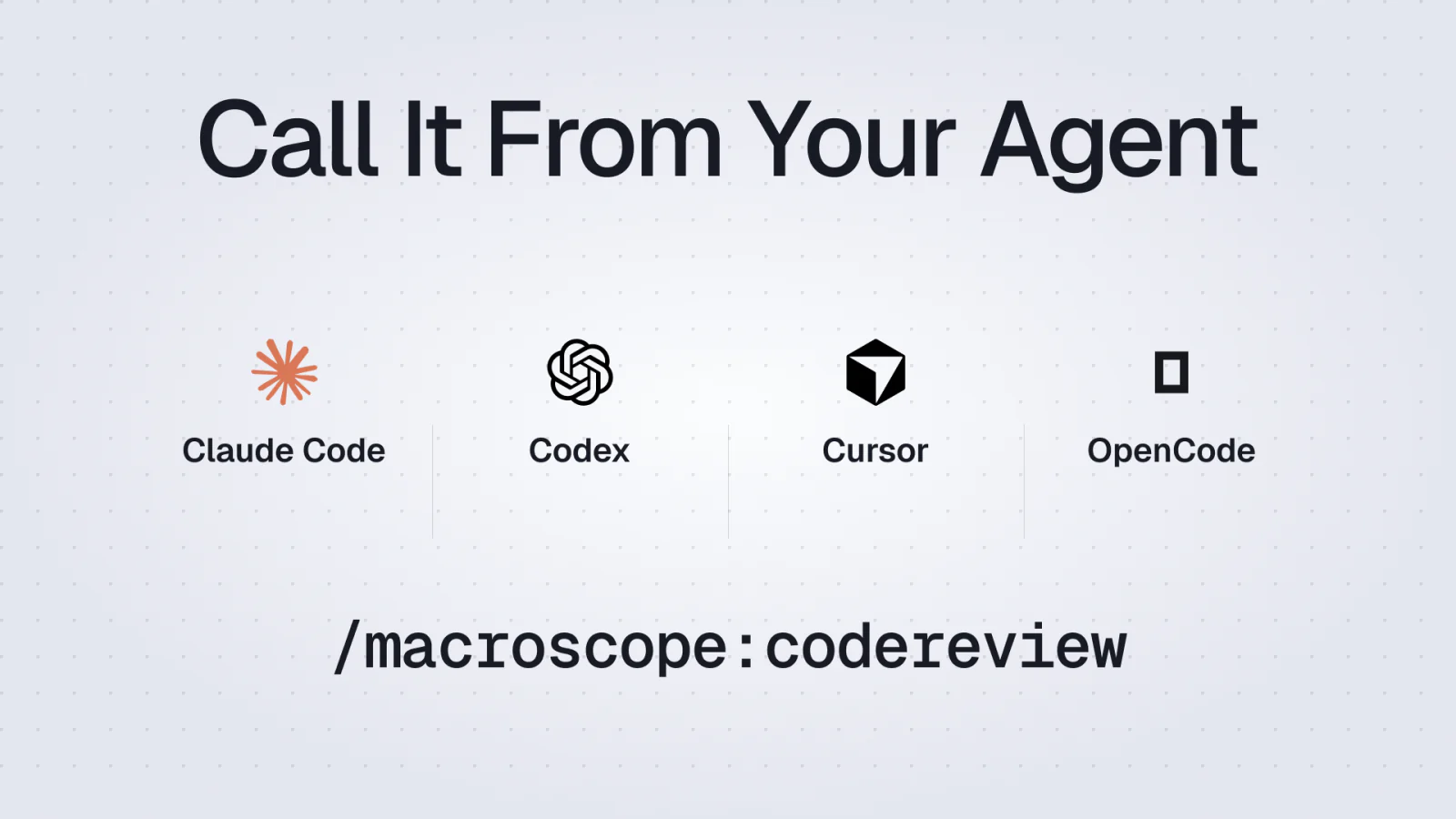
Run Macroscope from the terminal or inside Claude Code, Codex, Cursor, and OpenCode. Review locally, fix locally, then open the PR.
A pull request is a late place to discover a bug. By then, the author has moved on, the agent's working context is gone, and every fix means another push and another round of CI.
Macroscope already reviews pull requests before code ships. The CLI moves that correctness review into the loop where code is written. Run it directly in the terminal, or let Claude Code, Codex, Cursor, or OpenCode consume the same streaming review and act on it. Before push. Before CI. Before a teammate gets pulled into a noisy PR thread.
With the Macroscope CLI, my local loop looks like this:
- code and test
- run Macroscope's local review
- validate each finding as it streams in
- fix and verify the real issues locally
- open a PR with pre-reviewed code
The same Macroscope review now has a terminal interface and an agent interface.
Install
One command:
curl -sSL https://raw.githubusercontent.com/prassoai/macroscope-local/main/install.sh | bash
That installs the CLI and the Macroscope plugin for Claude Code, Codex, Cursor, and OpenCode. On first launch, macroscope uses GitHub device login and asks you to choose a workspace.

Then choose an interface:
Terminal: macroscope
Claude Code: /macroscope:codereview
Codex: /macroscope:codereview
Cursor: /codereview
OpenCode: /macroscope-codereview

One Review, Two Interfaces
Run macroscope in a terminal and the CLI handles setup if needed, lets you choose a base, then opens a full-screen streaming review with a tabbed results viewer. macroscope codereview goes straight to the same review flow.
Agent and non-interactive runs use raw mode instead. The process blocks while the review is active and emits a small machine-readable protocol: review_worktree=, review_id=, one issue_event=<json> per finding, and a final issue_status=completed|failed. That lets the agent validate and address findings as they arrive instead of waiting for a final report.
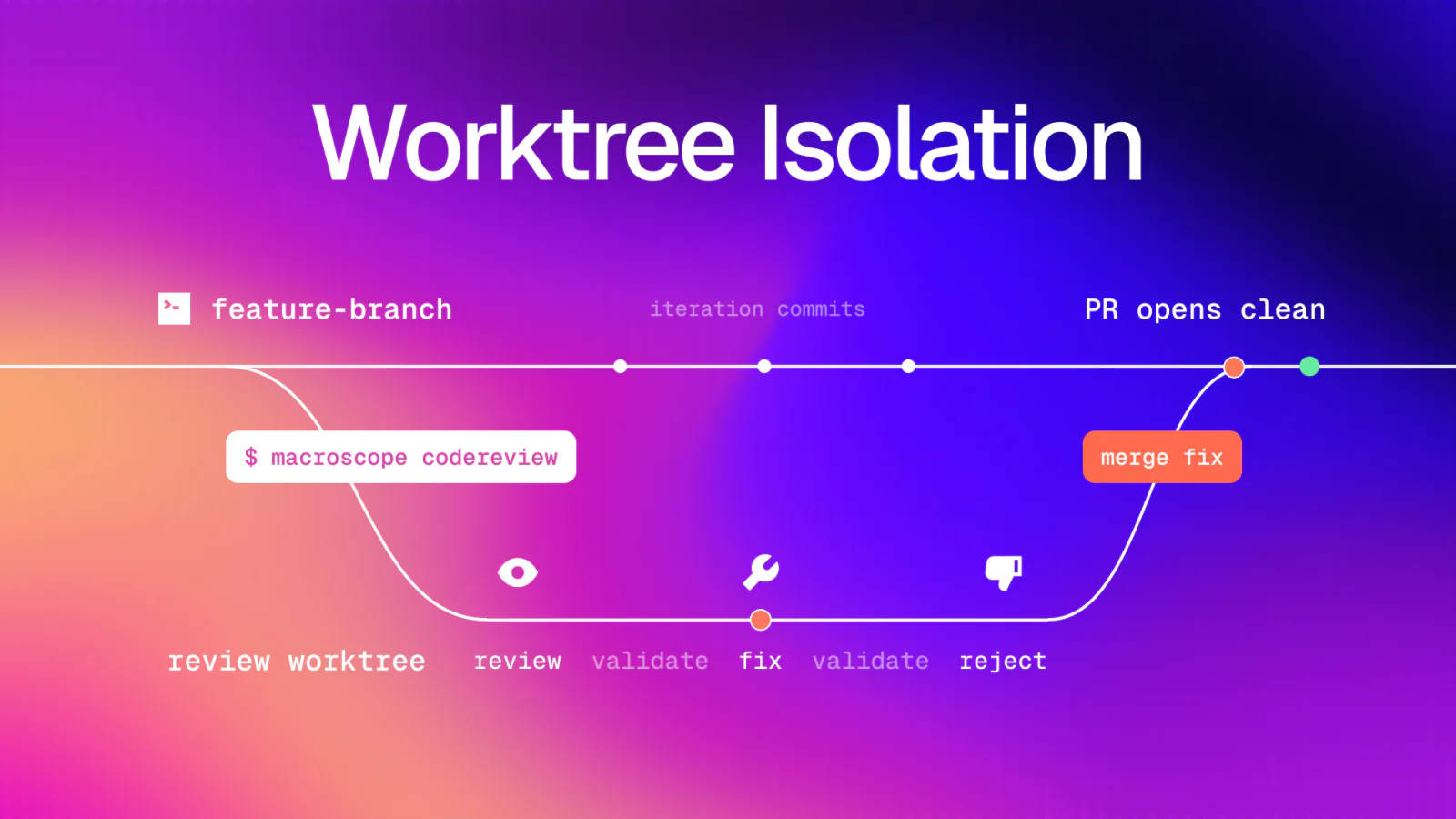
Both interfaces default to an isolated git worktree under .worktrees/macroscope-review-<short_sha>. The CLI captures staged, unstaged, and untracked changes as a baseline commit, detects the PR or repository base branch, and runs the review there. Your active working tree stays untouched. --in-place is the explicit opt-out.
The one-shot agent skill keeps its reads, edits, and verification in that review worktree too. It rejects false positives, fixes confirmed issues, and returns an inspectable patch. It does not commit or push to your branch.
One lane can keep building while another reviews the exact state captured at review start.

Goal Loops
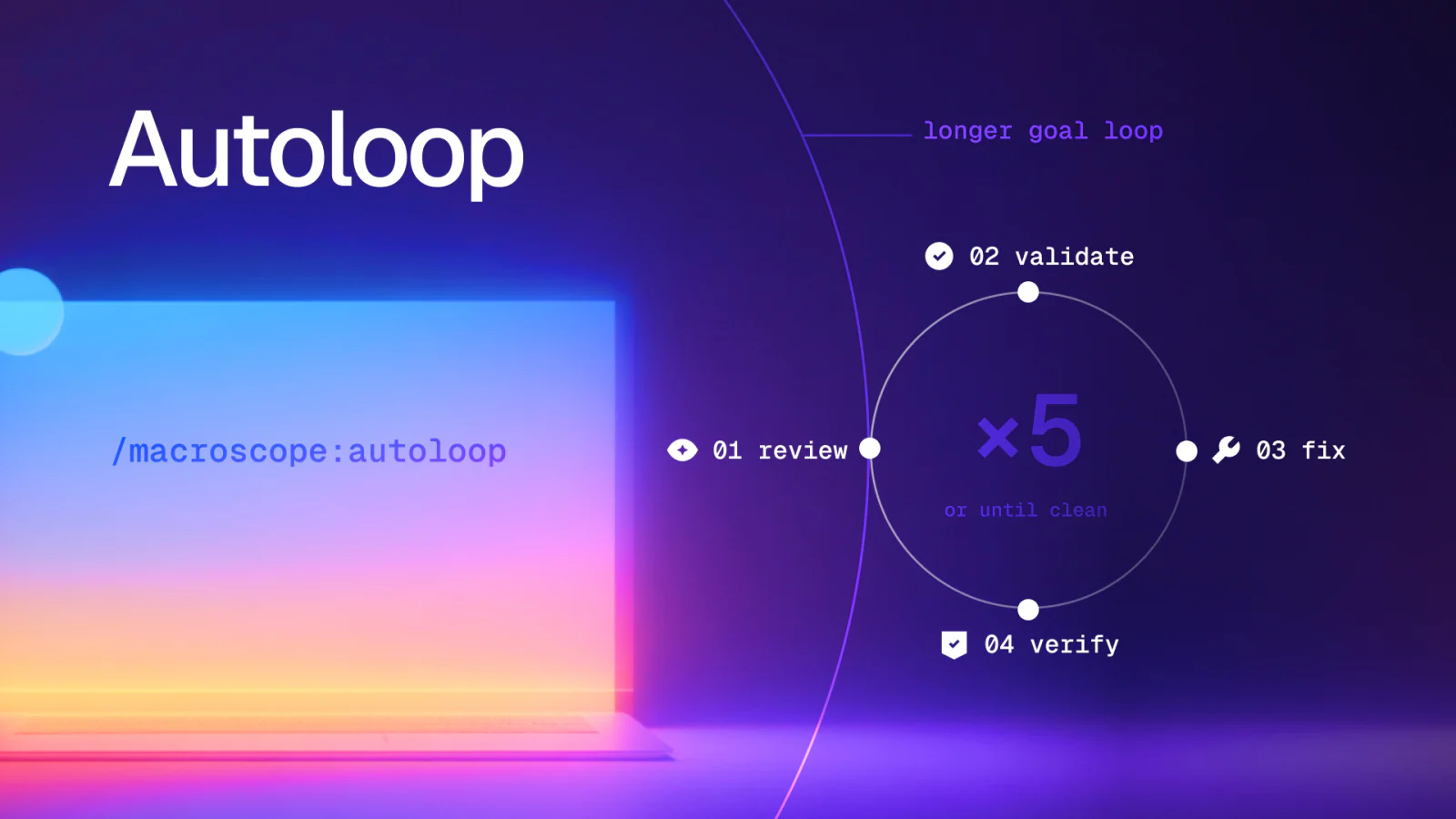
For branches that are ready for a sustained cleanup pass, use the autoloop command for your agent:
Claude Code: /macroscope:autoloop
Codex: /macroscope:autoloop
Cursor: /autoloop
OpenCode: /macroscope-autoloop
Autoloop runs the repetitive part:
- review
- validate
- fix
- verify
- review again
It writes fixes directly to the working tree, verifies and commits them, then reviews again. It stops when a pass changes no code or after five iterations.

Autoloop is deliberately local-only. It does not push, open or update pull requests, handle PR comments, or wait on remote checks. Use it when you want the agent to keep driving the local branch until there is nothing left to address.
Higher Signal PRs
The one-shot review gives you a protected lane and a patch. Autoloop gives you an intentional edit-and-commit cycle. Both move correctness work ahead of the pull request.
Let the CLI and your agent clean up the mechanical issues. Then ask humans to review the parts humans are good at:
- architecture
- product decisions
- security boundaries
Read the CLI docs to install it and add review to your next terminal or agent loop.