What Did Your Team Get Done This Week?
Macroscope tells you what got done, who is working on what, and who is shipping what. The simple way to make sense of your engineering team.
$100 free usage. Usage-based pricing, no seat fees.
Macroscope tells you what got done, who is working on what, and who is shipping what. The simple way to make sense of your engineering team.
$100 free usage. Usage-based pricing, no seat fees.
Trusted by engineering teams
Macroscope tells you. Leaders get visibility, engineers get focus.
Get actionable understanding of what's happening. Macroscope tells you what's changing, and answers any of your questions, grounded in the codebase.
More building, less reporting. Macroscope summarizes your commits, describes and reviews your PRs, and explains how the codebase is changing.






Productivity stats for devs and agents. Every commit summarized, every sprint reported, every project tracked.
Every commit summarized in plain English, from engineers and AI agents alike. No more squinting at diffs to understand what shipped.
The weekly engineering update writes itself. Sprint reports, Friday recaps, and digests delivered to Slack so you always know what got done.
Macroscope groups commits by project so you can see exactly where your team's time and code shipped this week, this sprint, this quarter.
Measure engineering throughput in the agent era. See team output with coding agents alongside human commits, all in one view.
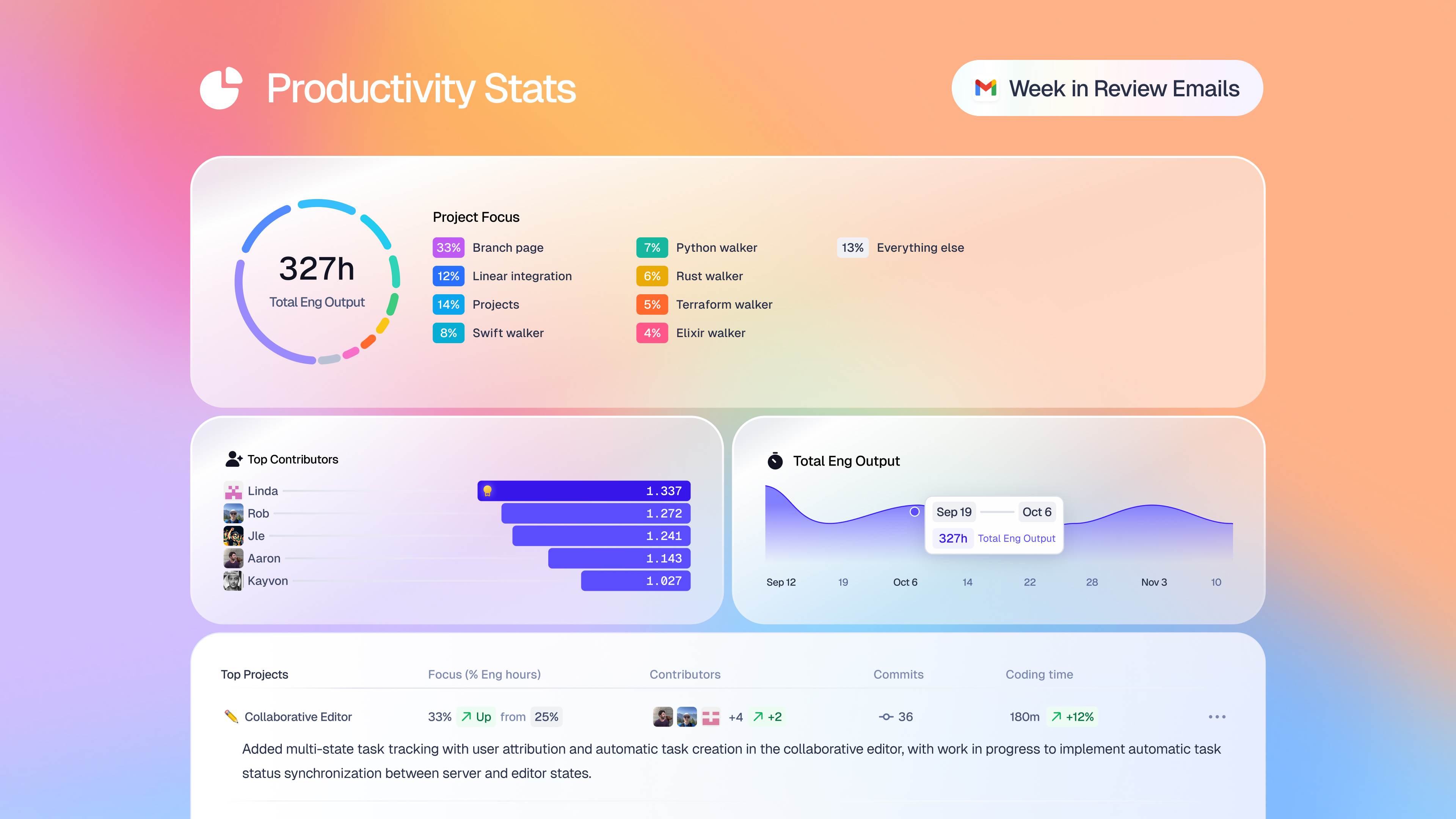
Coding time allocation by project, plus productivity stats for every contributor on your team. Engineers and AI agents, in the same view.
Teams use Macroscope to understand what their engineers and agents are actually shipping.






Usage-based pricing means your costs reflect the work Macroscope does, whether the code was written by a human or an agent.
 Connect GitHub
Connect GitHub and your first weekly engineering update lands in Slack.
An engineering output dashboard that reads every commit and writes the weekly engineering update for you. It answers what got done, who is working on what, and who is shipping what.
Status connects to your GitHub Workspace and reads every commit, PR, and Jira or Linear ticket. Engineers do not need to fill out forms, write summaries, or attend extra standups.
Yes. Any commit that lands in your GitHub Workspace shows up in Status, whether it was written by a human engineer or an AI agent, so you see total team output in the same view.
Status is built on real commits, not survey-tagged tickets, and it writes the weekly update in prose, not just charts. Pricing is usage-based, not per-seat.
$0.05 per commit reviewed. Every new Workspace gets $100 in free usage to start. Usage-based pricing, no seat fees.
Under 10 seconds to connect GitHub. Jira, Linear, and Slack are optional and take under 30 seconds each.
$100 free usage. Usage-based pricing, no seat fees. Engineering output with AI, measured commit by commit.
Get Started Free