 Macroscope for Slack
Your codebase, answered — right in Slack
Ask questions about your code, get live engineering updates, and even spin up a coding agent to fix bugs — all without leaving Slack.
A Macroscope account is required. Sign up for free to get started.
How it works
Ask anything, see everything, from Slack
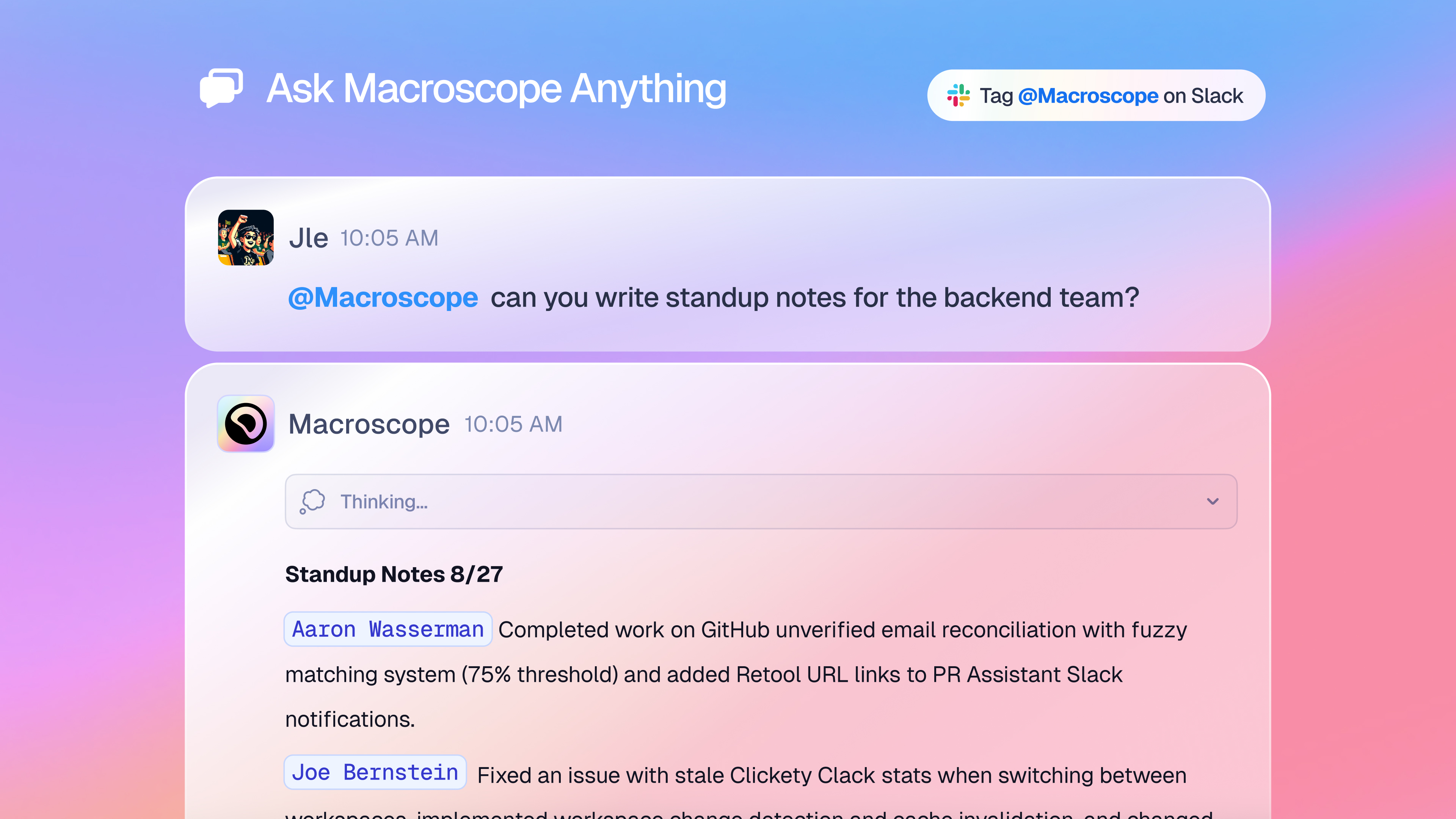
Ask Macroscope Anything
Mention @Macroscope in any channel, DM, or group DM to get instant answers grounded in your codebase, git history, PRs, and issue tracker. No technical background required.
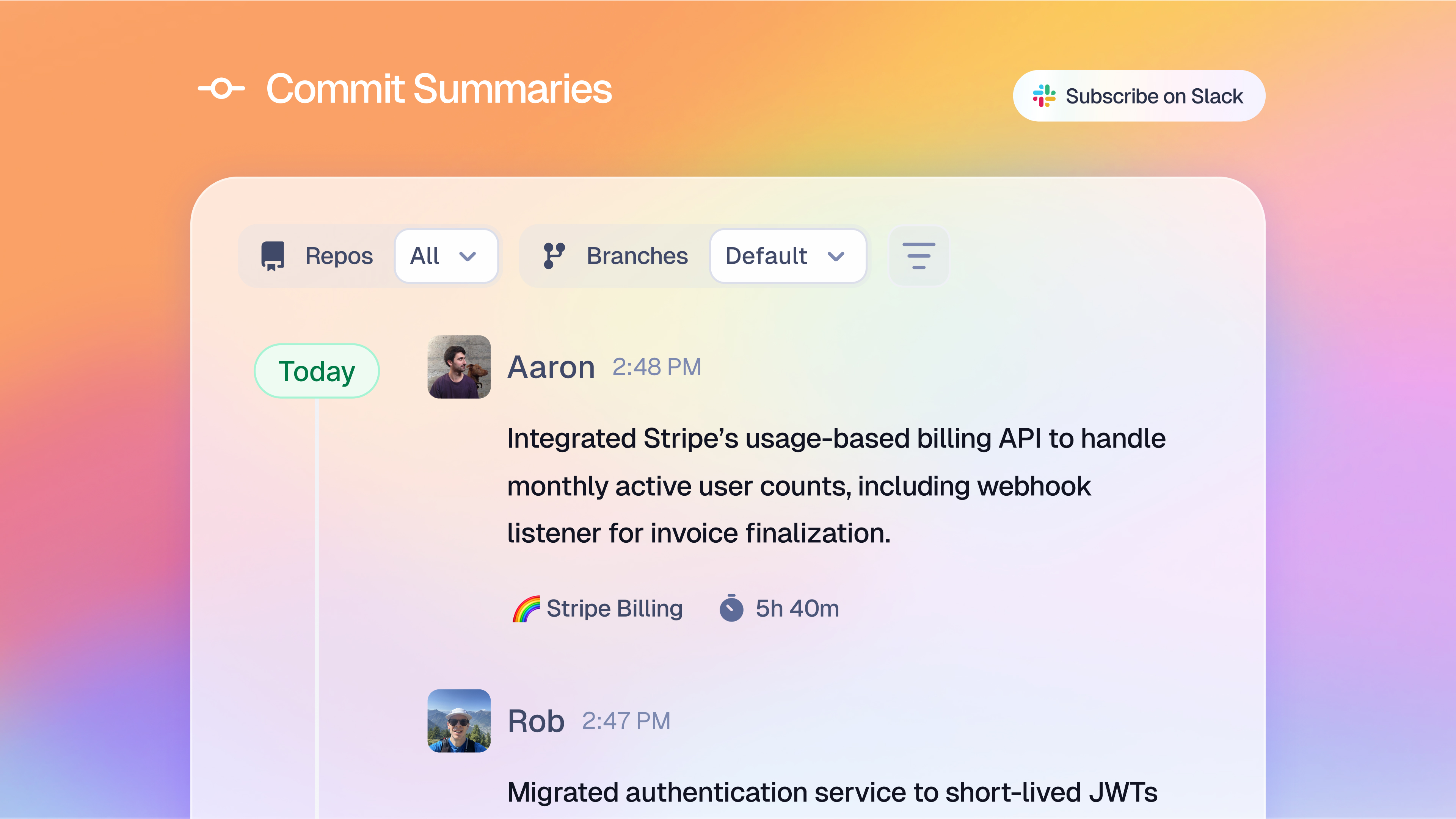
Live Code Activity Feeds
Subscribe any Slack channel to real-time commit and PR summaries from your repos, filtered by repository, team, or file path.
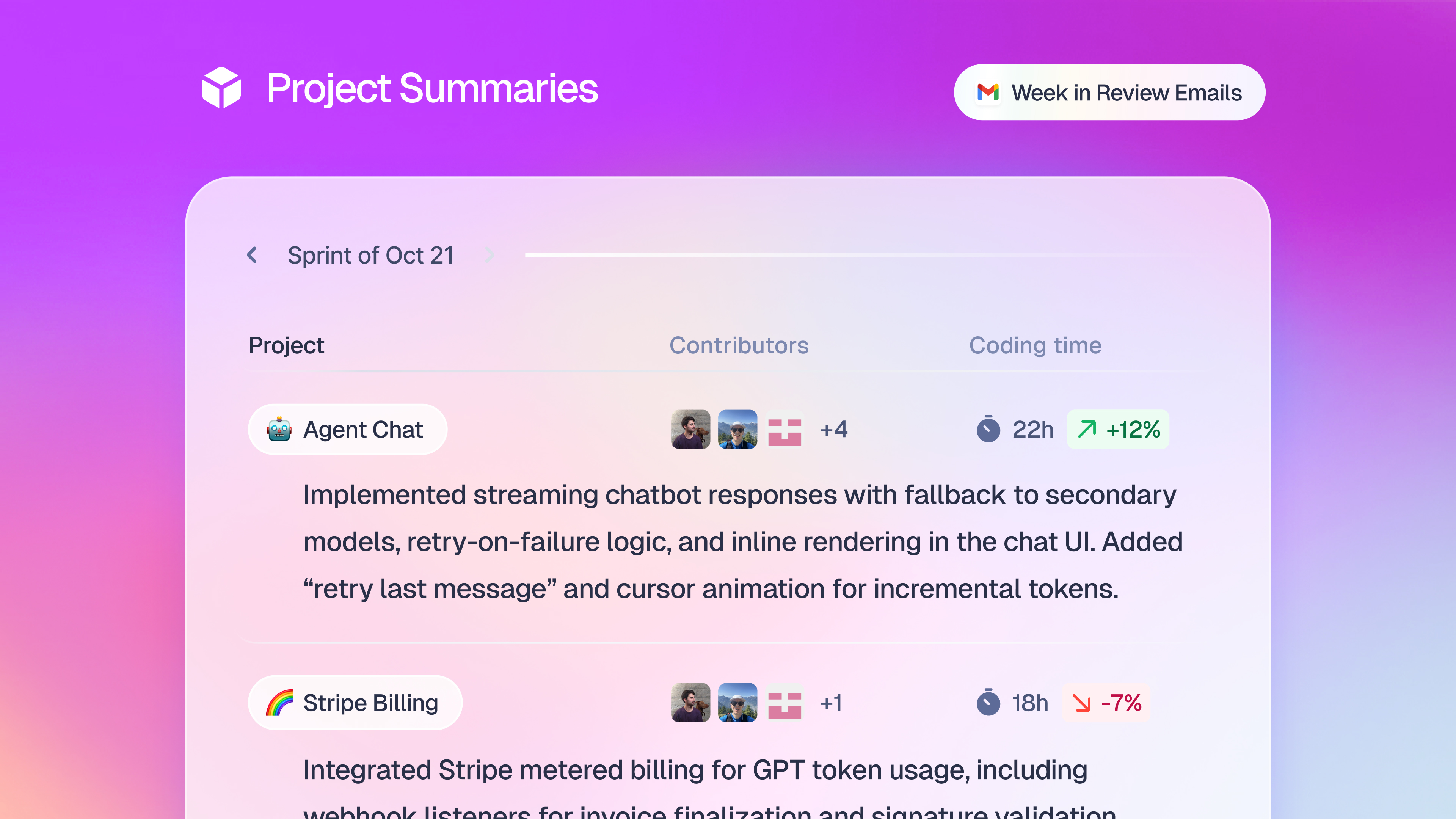
PR Status at a Glance
Macroscope broadcasts PR lifecycle updates in Slack — approved, commented, merged — so your team always knows where things stand.
Installation
Connect Macroscope to Slack in minutes
Sign in to your Macroscope account at app.macroscope.com
Go to Settings → Connections → Slack
Click Add to Slack and authorize the app in your workspace
You're all set — type @Macroscope in any Slack channel to start asking questions
Once installed
What Macroscope can do in your Slack workspace
Responds to @Macroscope
AI-generated answers about your codebase, commits, PRs, and team activity in any channel or DM.
Posts code activity summaries
Automated commit and PR summaries posted to channels you subscribe, filtered by repo or team.
Creates and updates tickets
Works with connected issue trackers like Jira and Linear when asked directly from Slack.
Spins up a coding agent
Writes code and opens PRs for bug fixes and product improvements when directed.
Security
Privacy and security
All customer data is stored and processed in the United States and encrypted at rest and in transit. Customer code is architecturally isolated — no Macroscope employee can access your source code. We do not train AI models on your code, and our agreements with all model providers contractually prevent them from training on your data.
AI disclosure
LLM disclaimer
Macroscope uses large language models (LLMs) to generate answers, summaries, and code review feedback. AI-generated responses may occasionally be inaccurate, incomplete, or out of date. Always verify critical information before acting on it.